
Nutrition tracker for iPhone
Read the label.
Know the bite.
Point the camera at a nutrition table. LabelBite reads it on your iPhone, you say how much you ate, and the day's calories and macros update in seconds.
iPhone with iOS 26 or later. Seven languages.
How it works
Scan. Check. Log.
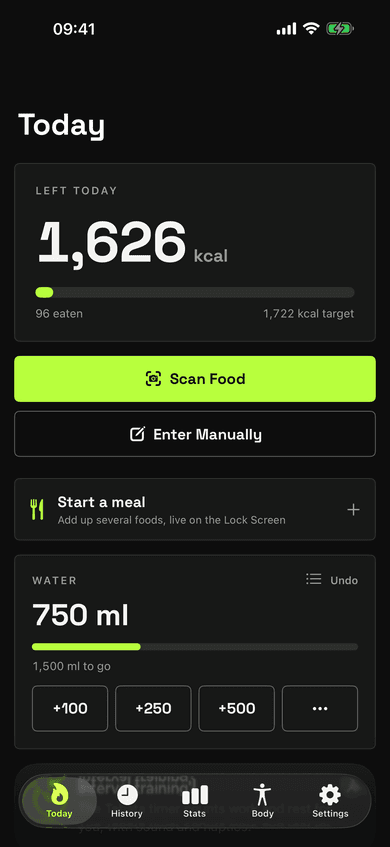
Scan the label
Vision reads the nutrition table on the device and, where available, Apple Intelligence helps interpret it.
Check the values
Values LabelBite is unsure of are flagged for you to confirm. Nothing is logged on a guess.
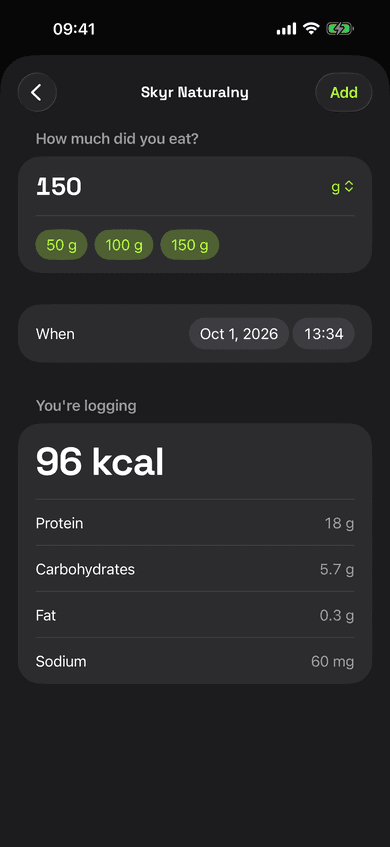
Log the portion
Enter grams or servings and see what the portion adds to your day before you log it.
Features
Only what a daily budget needs.
Daily budget
Calories left in large type, macros as bars. Log for an earlier date, move food later, re-log recent foods in one tap.
Setup in a minute
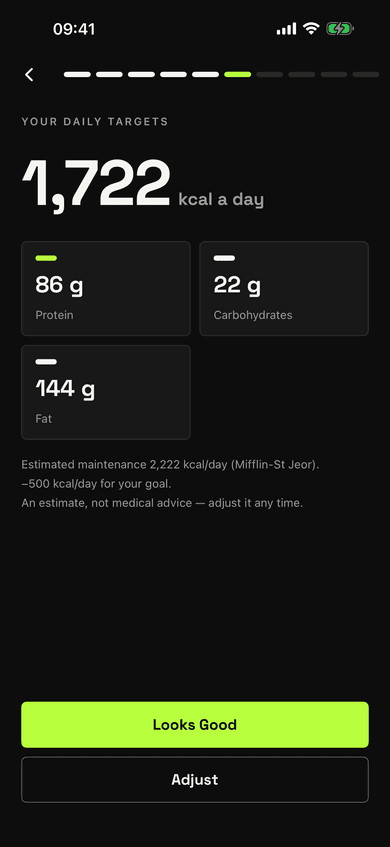
One question per screen, prefilled from Apple Health. Targets from Mifflin-St Jeor with your chosen deficit or surplus.
Diets that fit
Balanced, high protein, low carb, keto, low fat, or your own macro split.
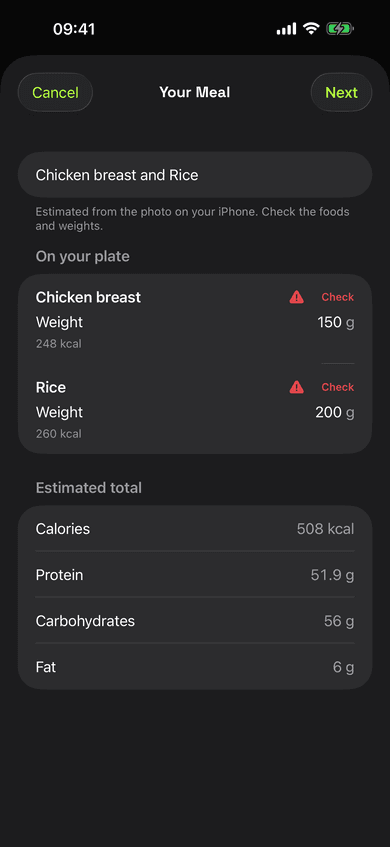
Photo of a meal
With iOS 27, the on-device model lists the foods on your plate with weights. You correct what it got wrong before anything is logged.
Meals
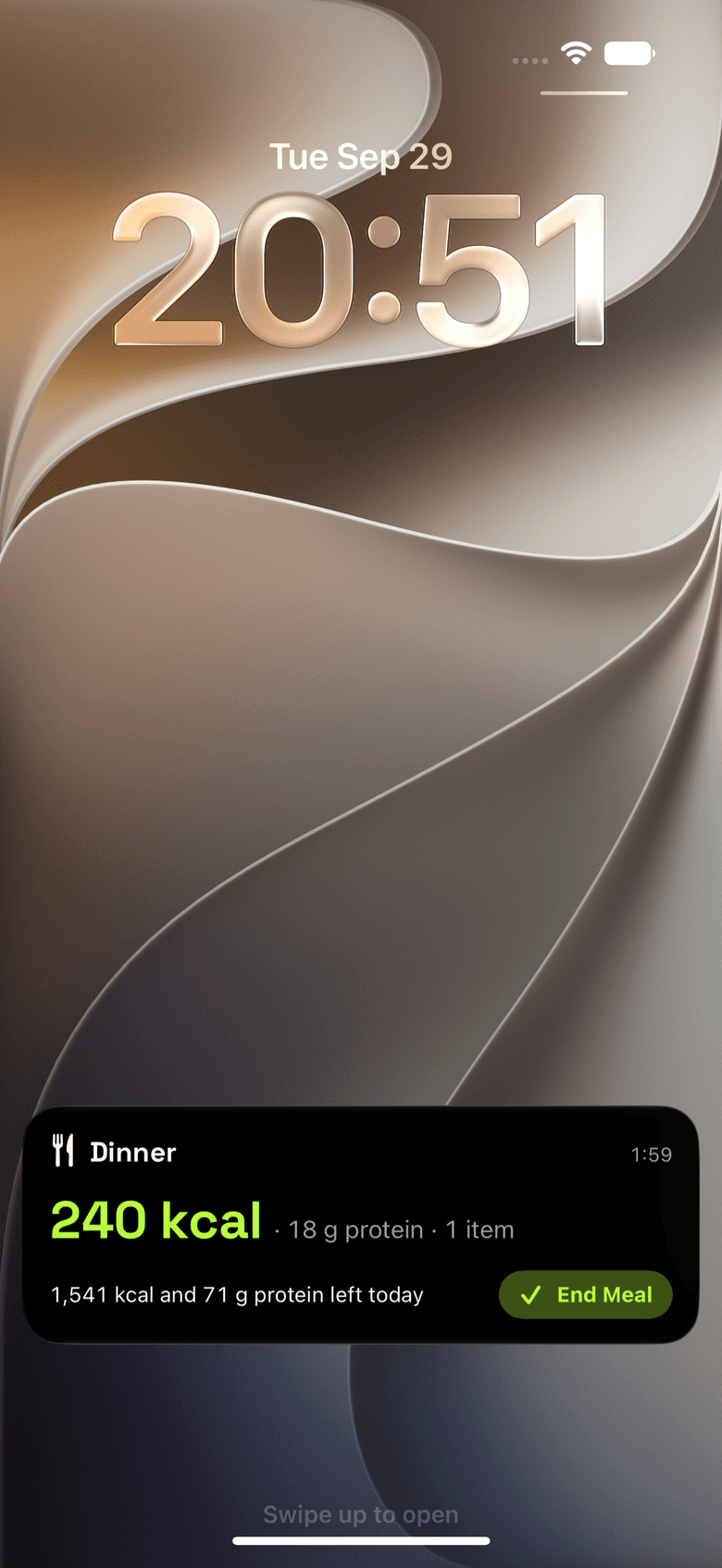
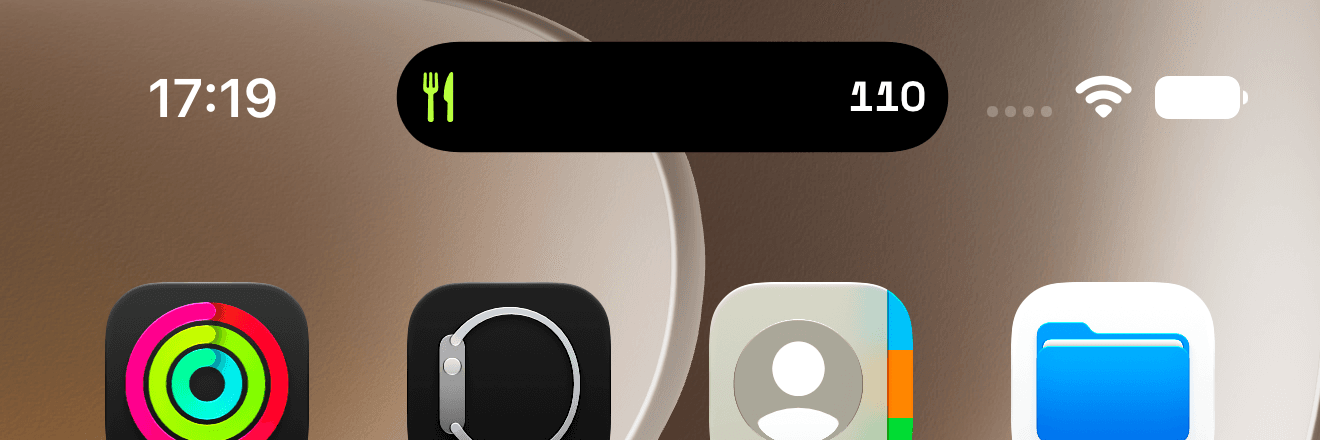
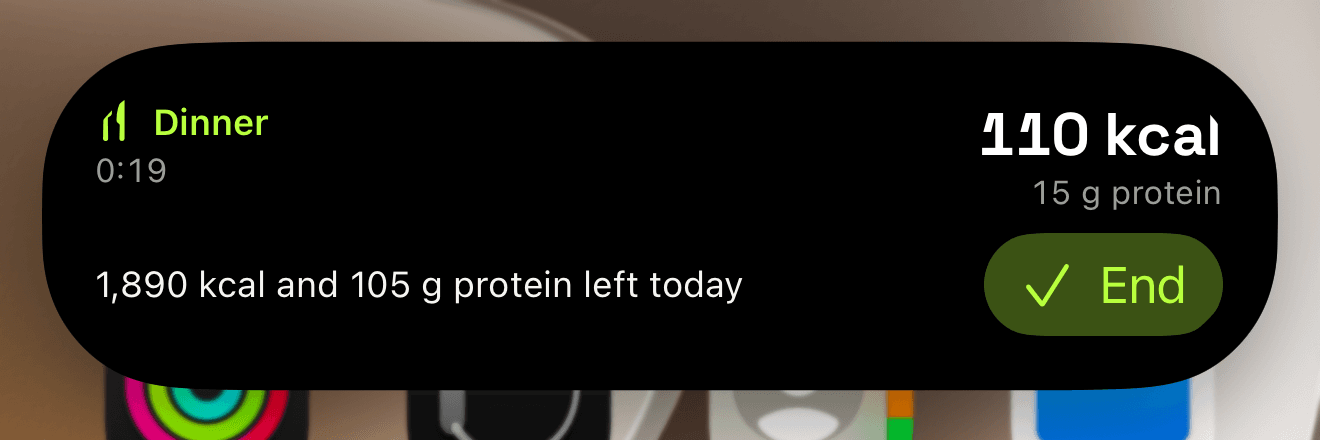
Start a meal and everything you log while it runs is added up, live on the Lock Screen and in the Dynamic Island.
Water
One tap adds a drink. Custom amounts, an estimate from a photo of the drink, a 7-day list, ml or fl oz, saved to Apple Health.
Eating window and fasting
Optional intermittent fasting, from 14:10 to 20:4 or your own times. A countdown on Today, reminders, and fasting statistics from your food log.
Stats
Week, month and year: averages over logged days, days on target, streak, macros, water, fasting, weight and most logged foods.
Body
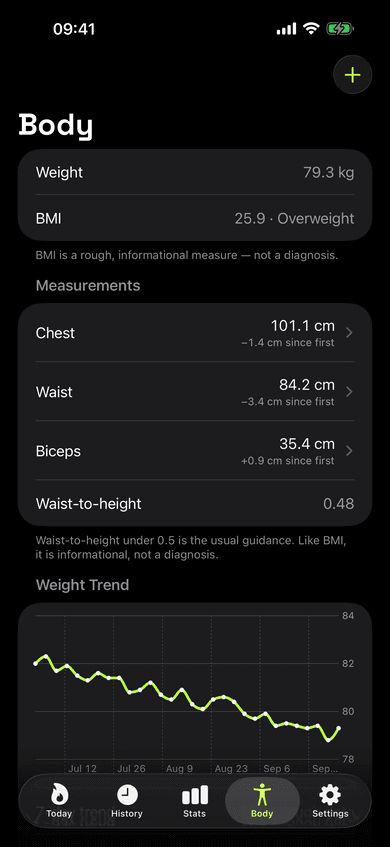
Weight trend, BMI with its WHO class, waist-to-height, nine tape measurements and body fat, each with history.
Apple Health
Writes logged nutrients, water and measurements, reads body metrics, steps and energy burned. Optional earn-back of active calories.
Widgets, Apple Watch and Siri
Your budget on the Home Screen, Lock Screen and wrist. Scan, log again or add water without opening the app, also from Siri and Shortcuts.
Tabata timer
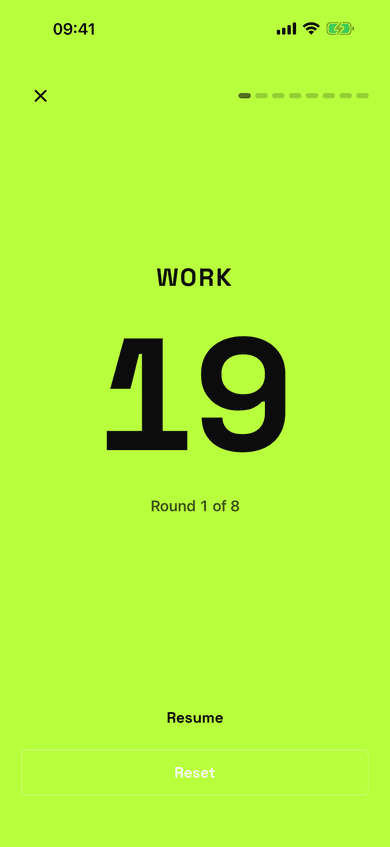
Full-screen intervals with sound and haptics, right from Today.
Inside the app
Made to read at a glance.
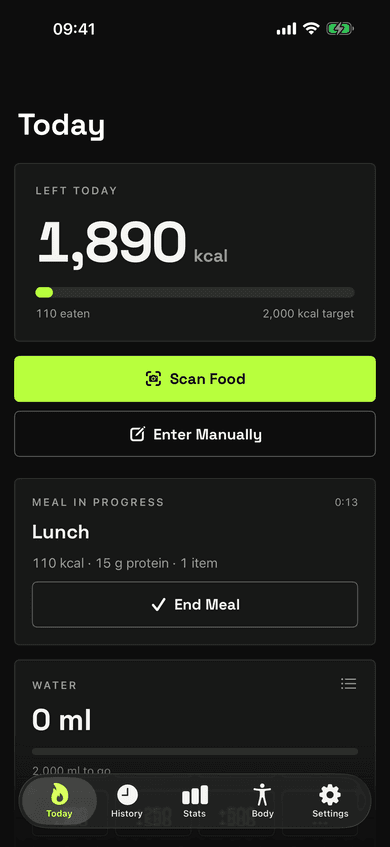
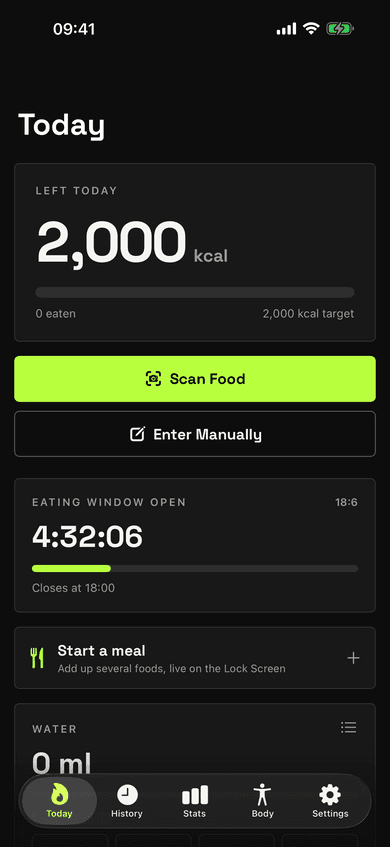
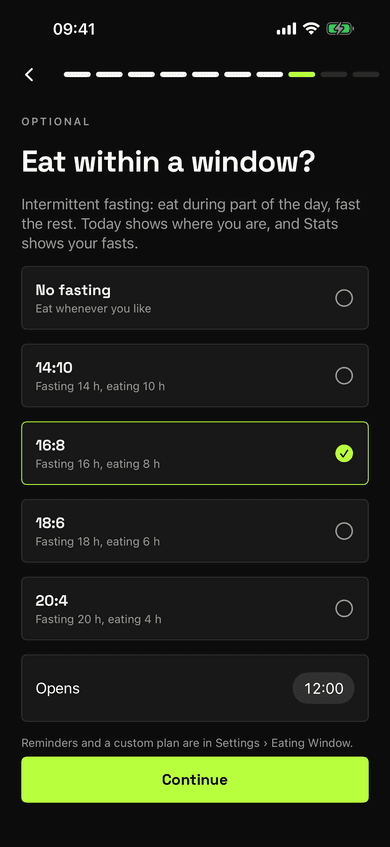
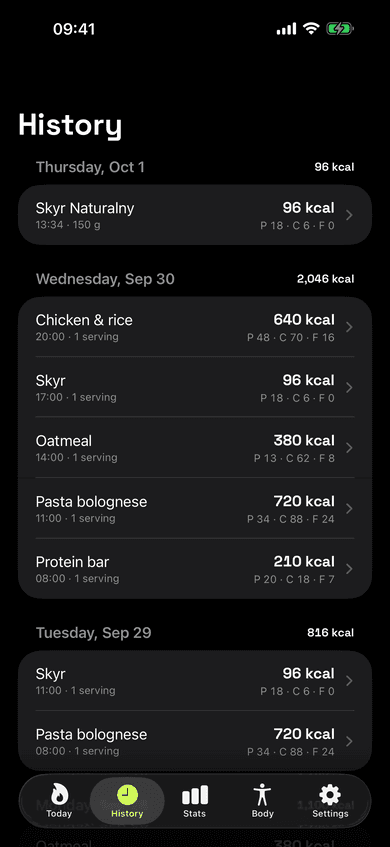
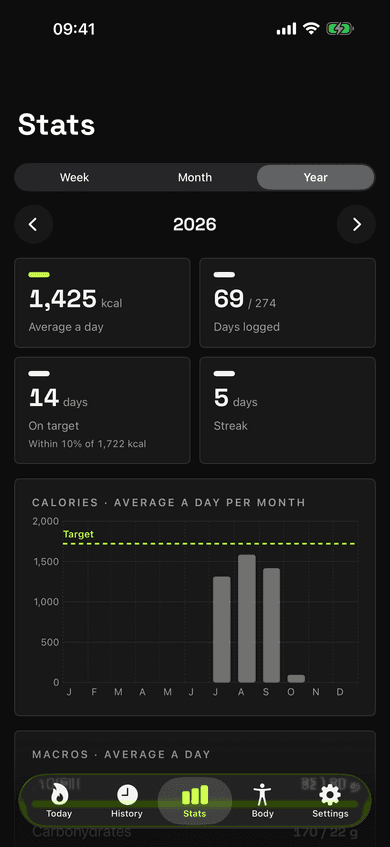
Today screen with calories left and the water card
Apple Watch
Your budget on your wrist.
Calories left as a ring, protein, carbs and fat as bars. Start or end a meal and log a recent food again with one tap. Your iPhone logs it and the new budget comes straight back. Complications put the same numbers on the watch face.
Live Activity
The meal stays in view.
Start a meal and it runs as a Live Activity: calories so far in the Dynamic Island, and on a long press or on the Lock Screen the meal's total and what is left today. End the meal right there. Water can run as a Live Activity too, with buttons for a drink.
Privacy
Your nutrition data stays on your iPhone.
Labels are read on the device. LabelBite has no account, no server and no analytics.
Read the privacy policy- Label, meal and drink photos are processed on the device and never uploaded.
- Apple Health is read and written only after you allow it.
- No sign-up, no advertising, no tracking, no third-party SDKs.
- Works offline: scanning, logging and stats need no connection.

Know what is on your plate.
LabelBite is coming to the App Store for iPhone and Apple Watch.